Project Details
The identity of the production: project name, timezone, date format, and project image.
- The project name and image are what everyone sees at the top of the Console.
- The project timezone determines how the production day is read across timecards and reports.
- The date format follows how your production writes dates, rather than forcing one convention.
Schedule Details
The production's schedule context, including lifecycle dates and statuses that are maintained with support rather than freely edited in the app.
- Schedule details describe where the production sits in its lifecycle, which affects how the rest of the system behaves.
- Some lifecycle dates and statuses are support-maintained. They are not all open fields you change on your own, and that is deliberate: a lifecycle change has consequences for live submissions and records.
- When a lifecycle change is needed, it is handled with the Daily TimeCards team so the production's records stay coherent.
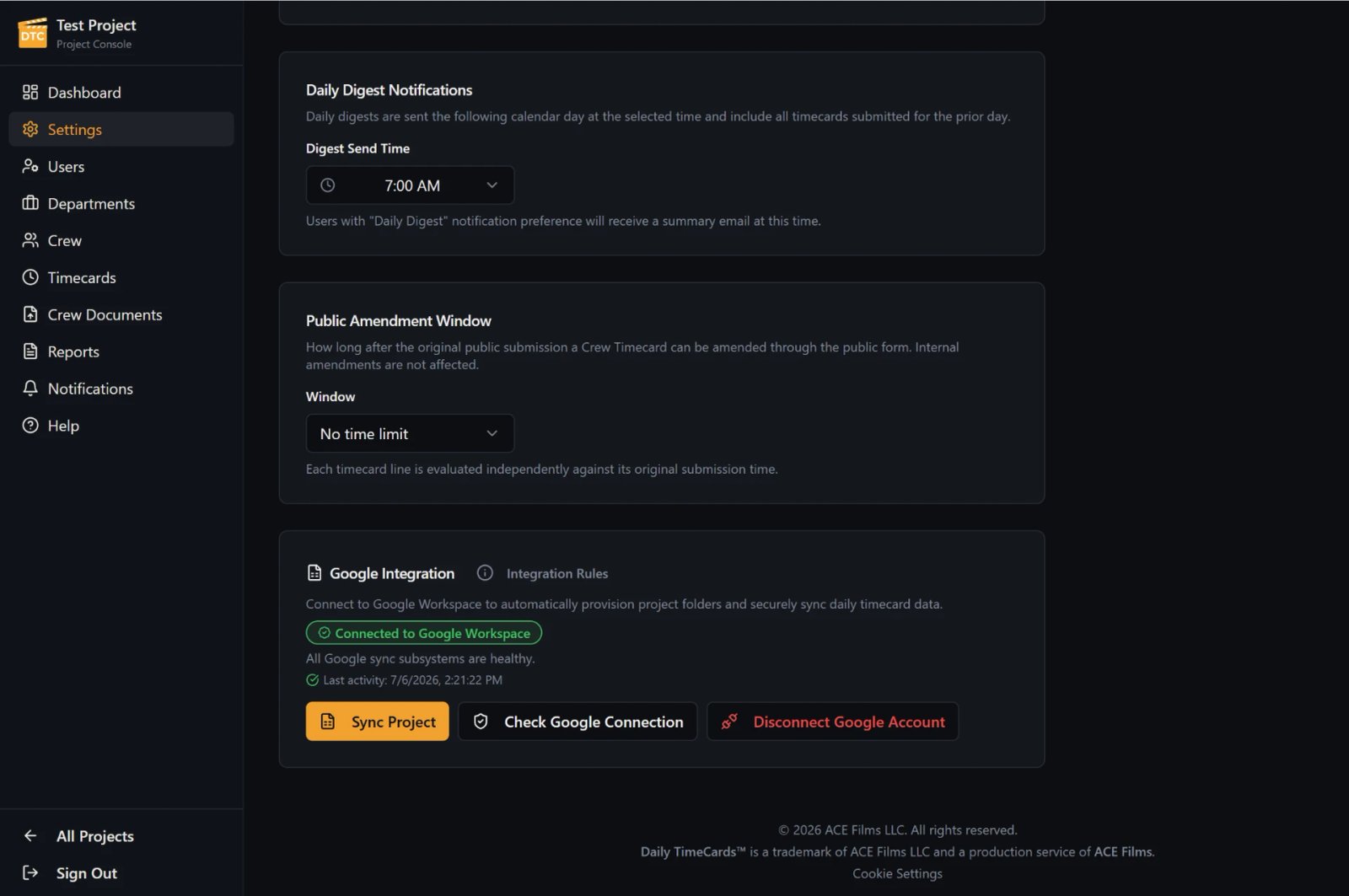
Daily Digest Notifications
When the production's Daily Digest email goes out, configured once at the project level.
- The Digest recaps department timecard submissions and late amendments from the previous cycle.
- Timing is a project-level setting here; who receives it and each person's preference is managed in Users.
Public Amendment Window
How long Crew may amend a submission through the public form after sending it.
- Setting the window is how a production decides between letting Crew self-correct and closing the day.
- Amendments made inside the window are visible to the office alongside the original submission.
- Internal amendments and Work Date Correction are handled by the office in Timecards.
Google Integration
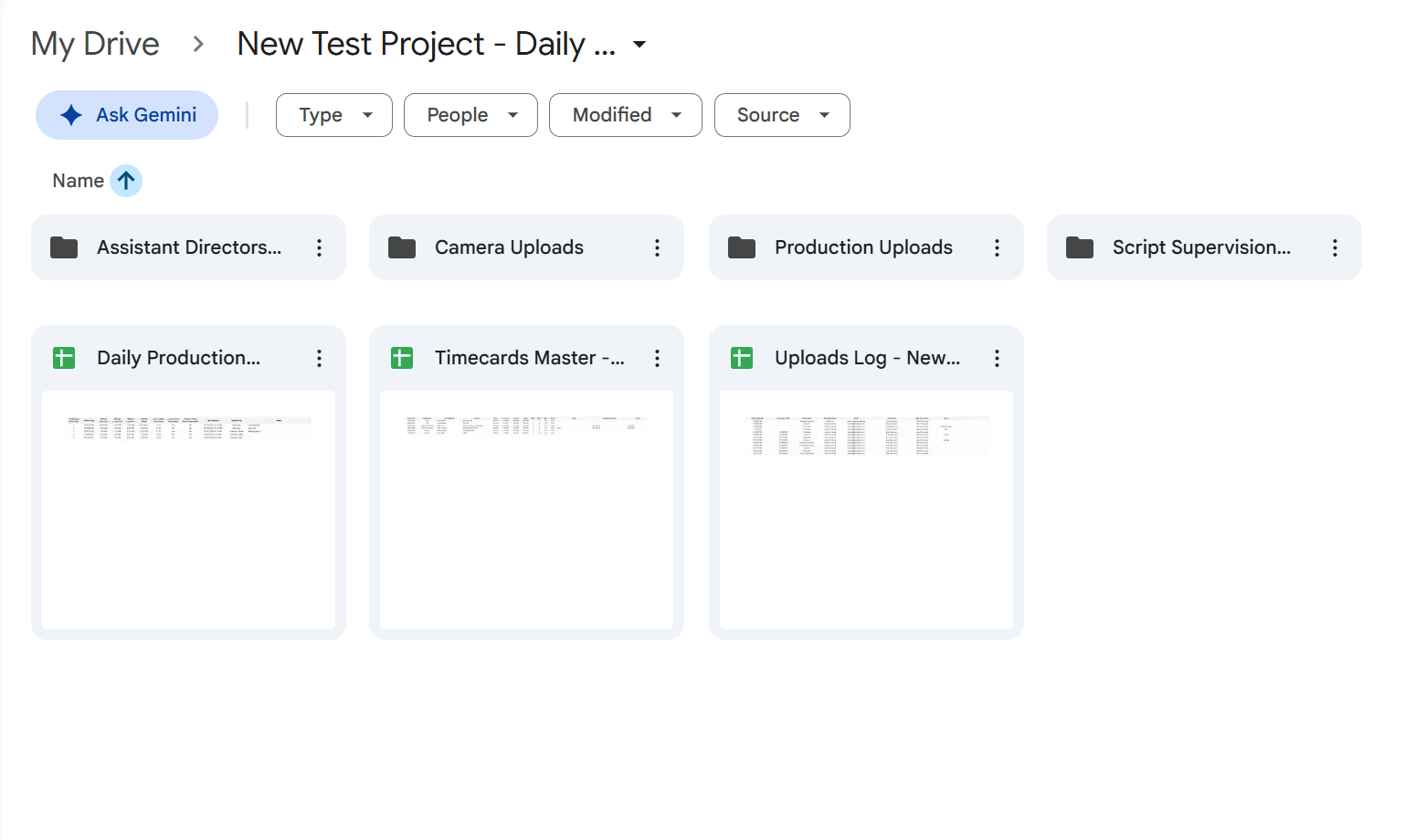
Connect a production Google Workspace account so the project can organize its documents in Google Drive.
- Connecting Google Workspace lets the production keep its uploaded documents in a dedicated Drive folder.
- The connection is made per project, from Settings.
Project API Connections
A high-level view of the project's supported partner connections: controlled, project-specific delivery of that production's data to a supported partner.
- Connections are scoped to a single project: one production's data goes only where that production authorized it.
- Delivery is controlled and limited to supported partners.
- This page stays high level on purpose. Configuration detail is handled with the Daily TimeCards team as part of setting a connection up.
Who can edit
Project Admin can edit project settings. Project Access may be view-only in the relevant settings.
- Editing is scoped to Project Admin, so configuration does not drift.
- Project Access users may see relevant settings without being able to change them.
- Roles themselves are managed in Users.